
Catalog and search
Full-text search with suggestions and typo correction, authors, series, genres, languages, filters, new arrivals and recommendations. Built for hundreds of thousands of books.

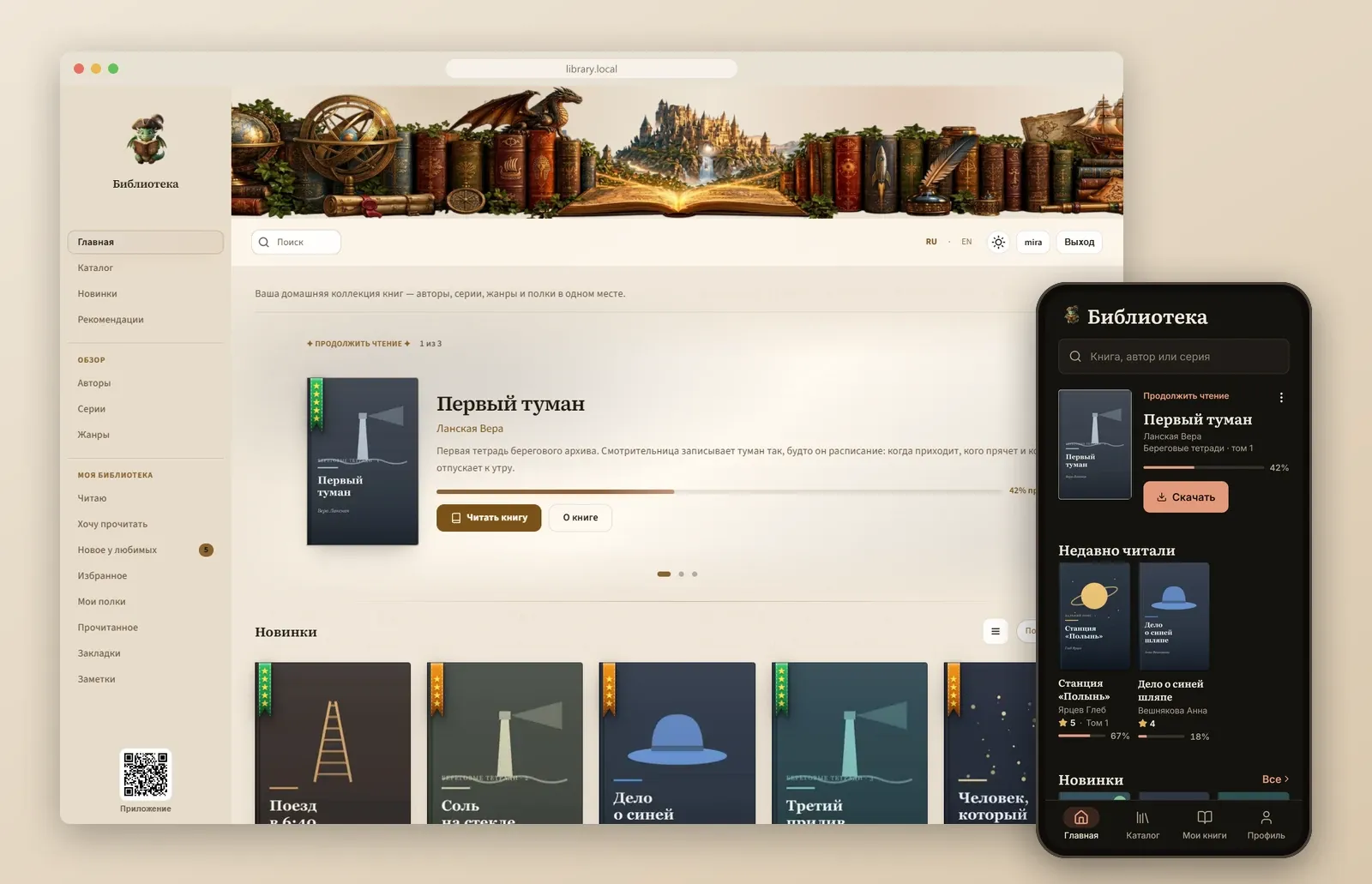
Catalog and search
Full-text search with suggestions and typo correction, authors, series, genres, languages, filters, new arrivals and recommendations. Built for hundreds of thousands of books.
In-browser reader
FB2 and EPUB: themes, fonts, bookmarks, color-coded notes, read aloud. Your position syncs with your phone without «jumps».
Personal library
Reading, Want to read, ratings, favorite authors and series, «New from favorites», shelves and smart shelves, a yearly goal, import from Goodreads and LiveLib.
Delivery
FB2, FB2.ZIP, EPUB, MOBI, AZW3 and more, batch ZIP, send to Kindle, PocketBook or Kobo by e-mail and to Telegram.
Clients
Android app, OPDS 1.x / 2 with reading progress, KOReader progress sync (KOSync), a Telegram bot with search.
Sources
INPX collections (ZIP / 7z), Calibre libraries and plain folders; several sources at once, folder watching, duplicate cleanup.
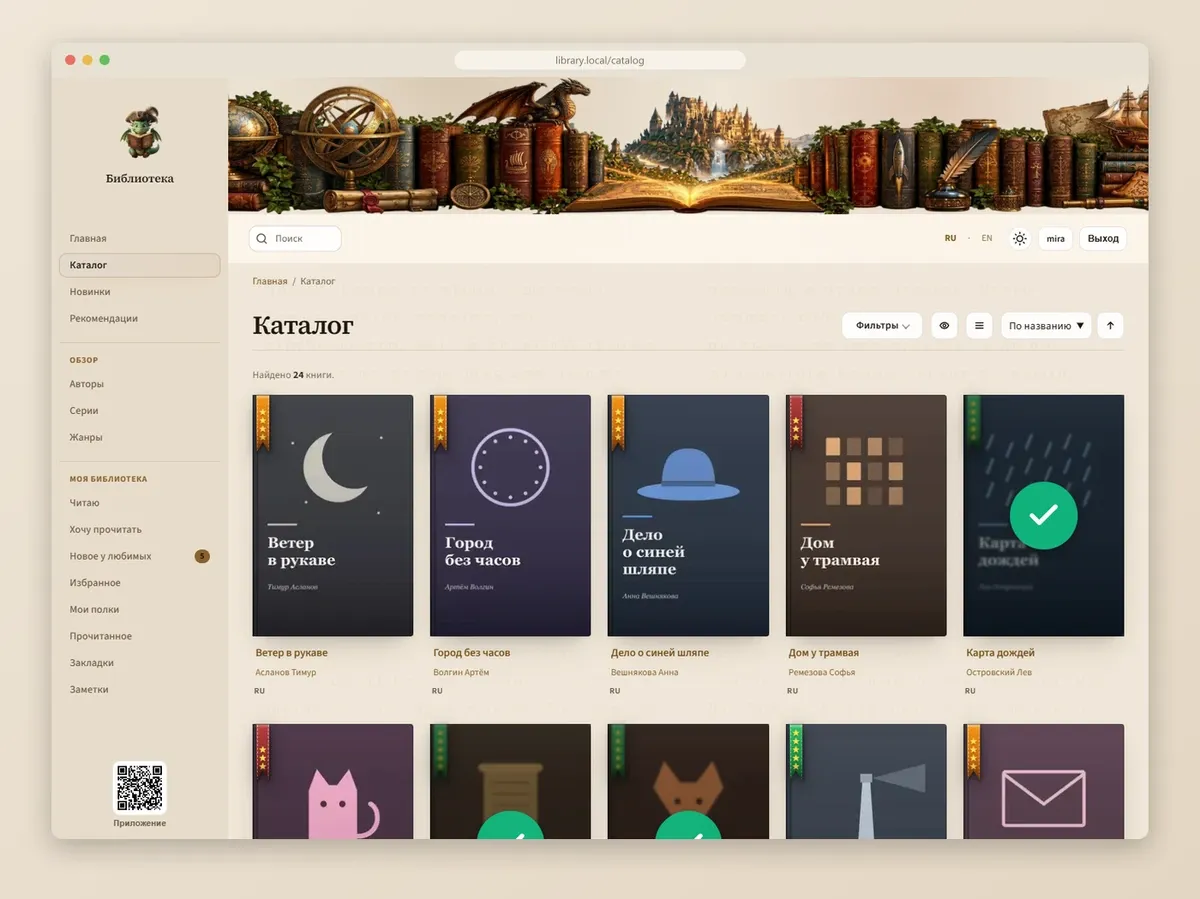
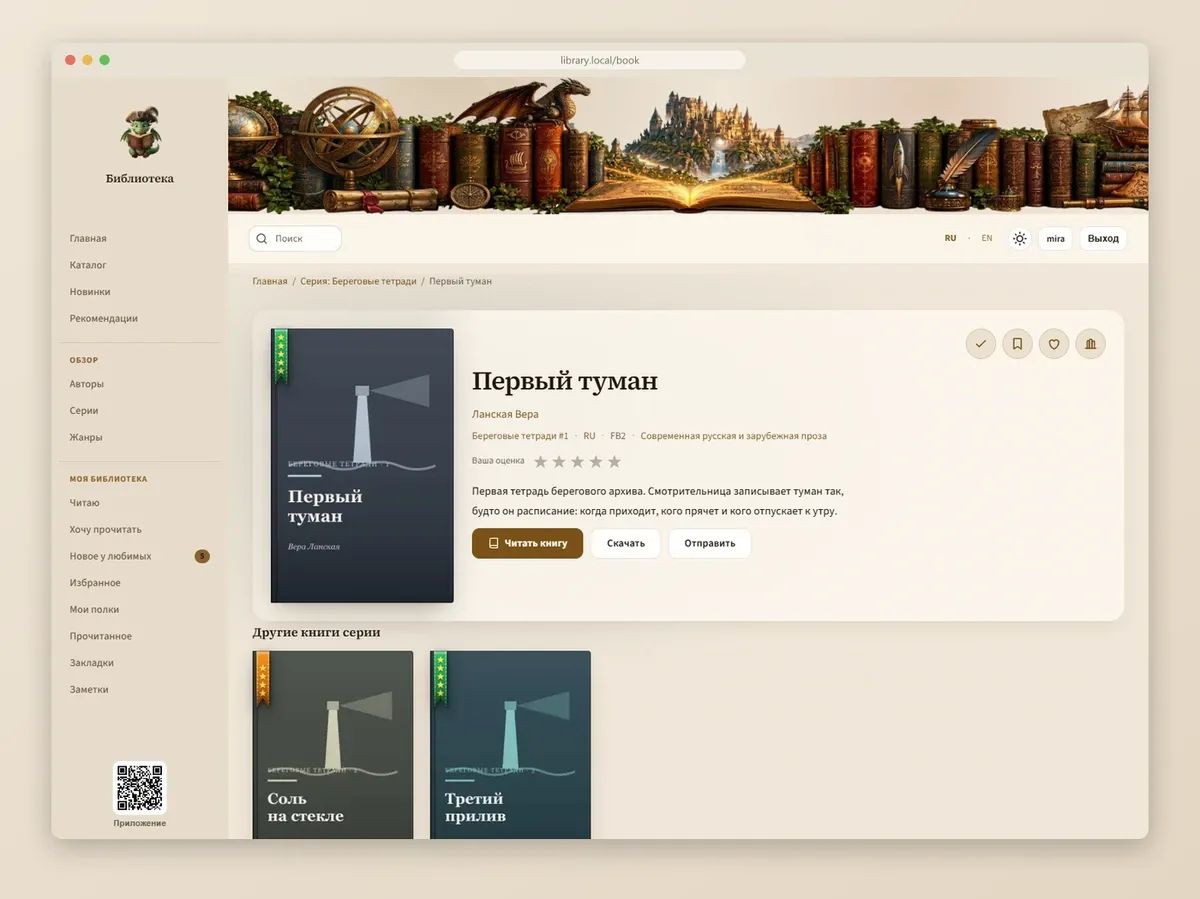
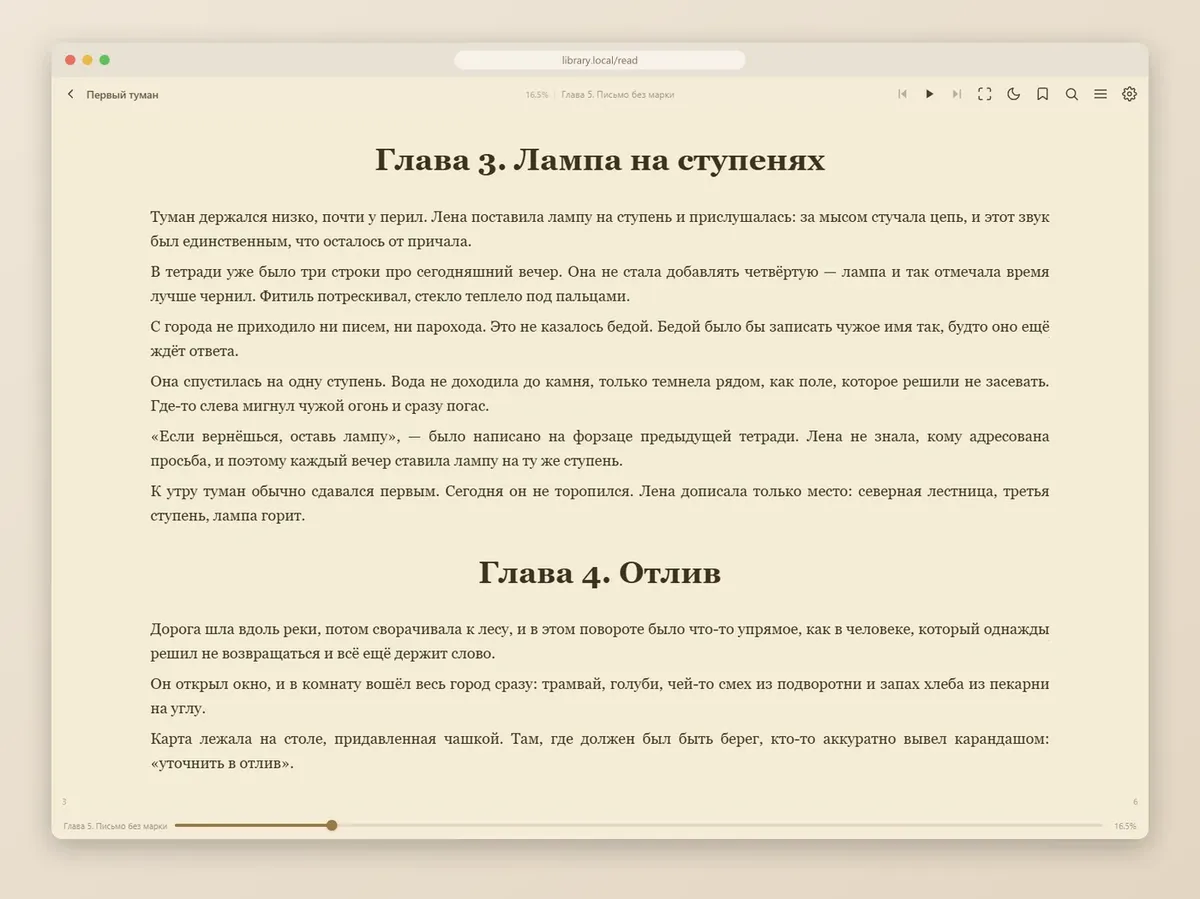
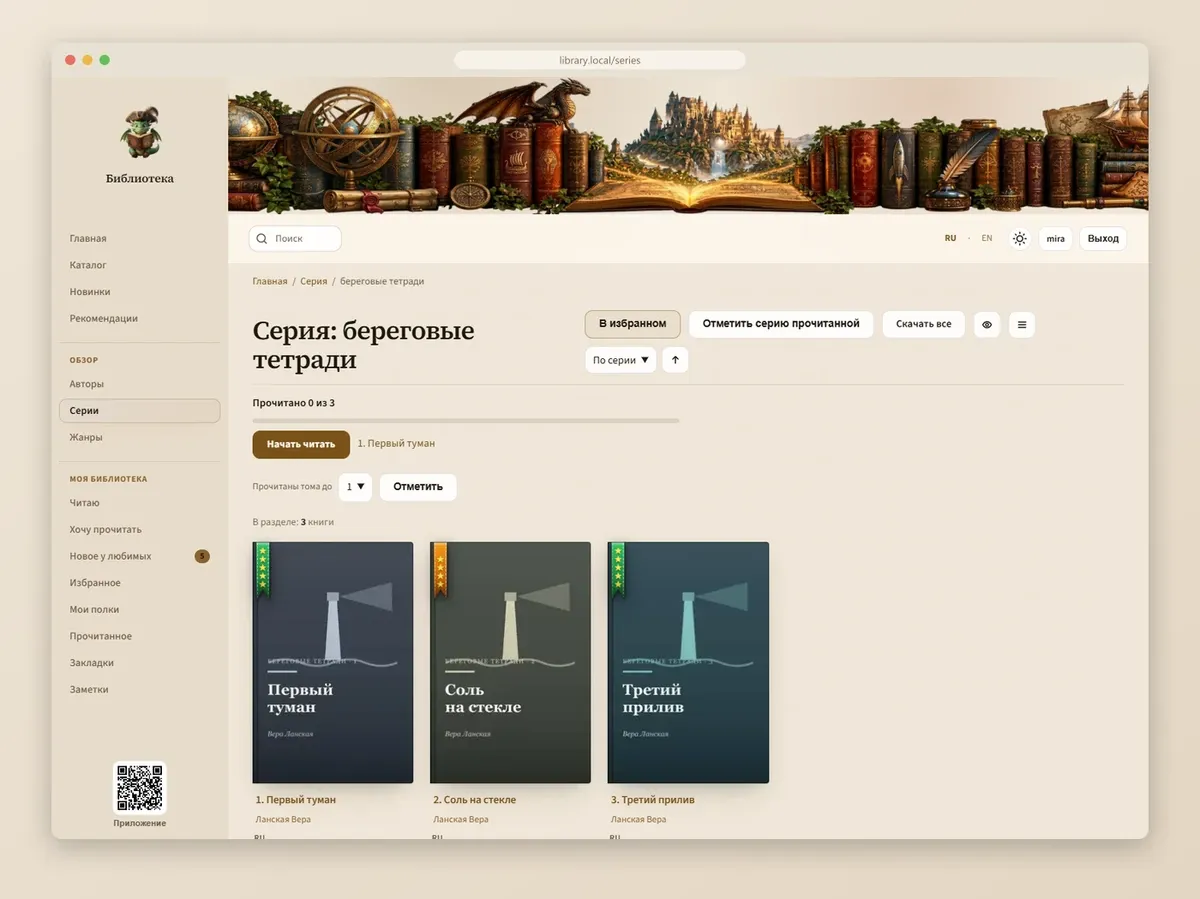
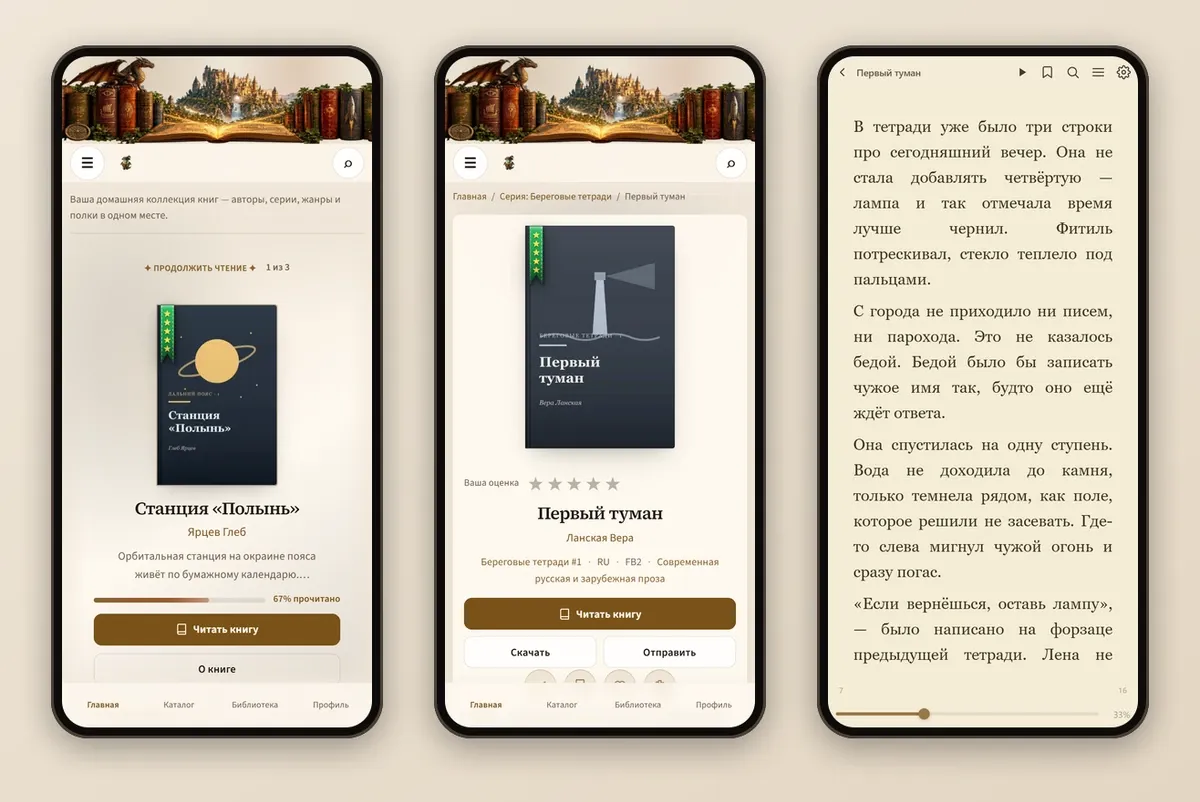
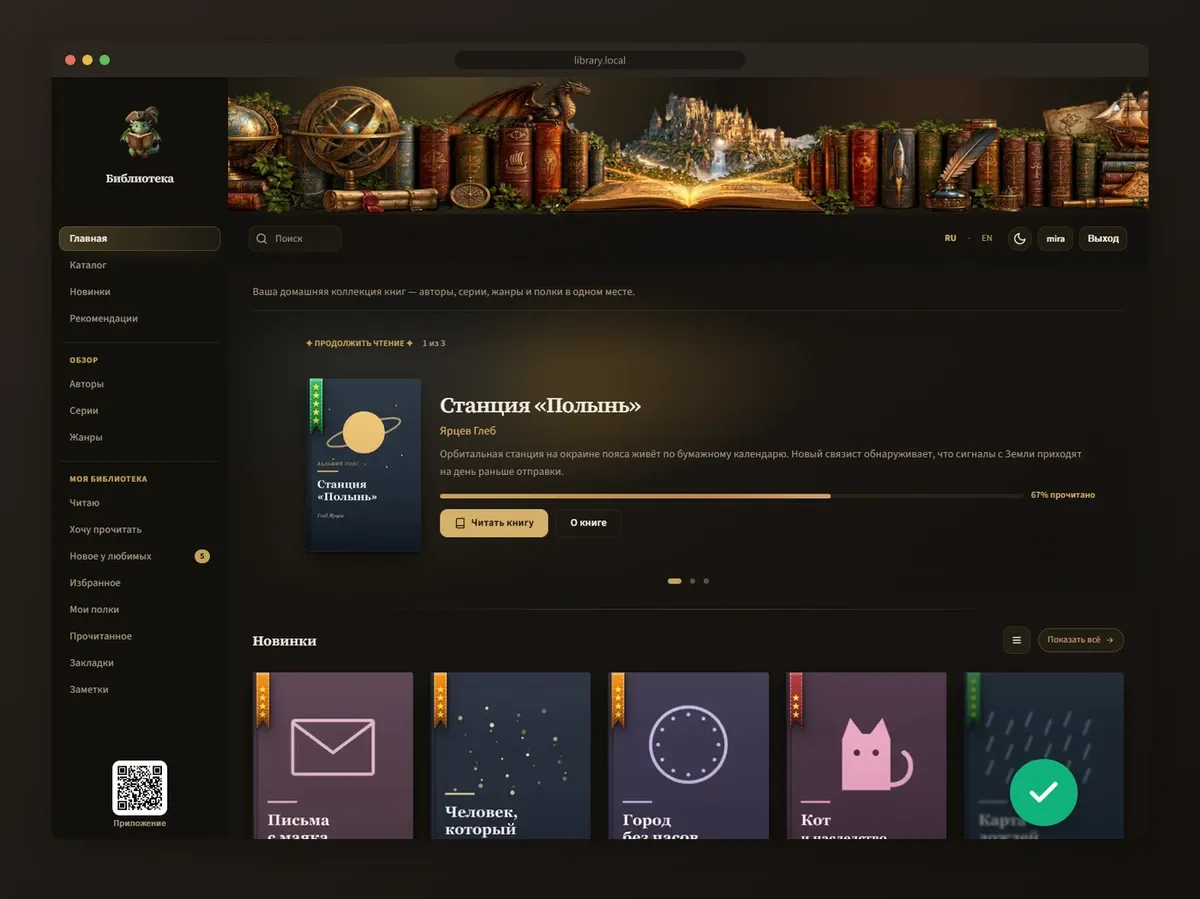
The screenshots show the Russian interface and a fictional demo library. The web interface is also available in English.
docker run -d \ --name inpx-library \ --restart unless-stopped \ -p 3000:3000 \ -v inpx-app:/app \ -v inpx-data:/app/data \ -v /path/to/library:/library:ro \ -e LIBRARY_ROOT=/library \ habsaec/inpx-library-server:latestOpen http://localhost:3000 and sign in as admin / admin (change the password in your profile right away). See Installation for Docker, Windows, Linux, macOS and Synology.